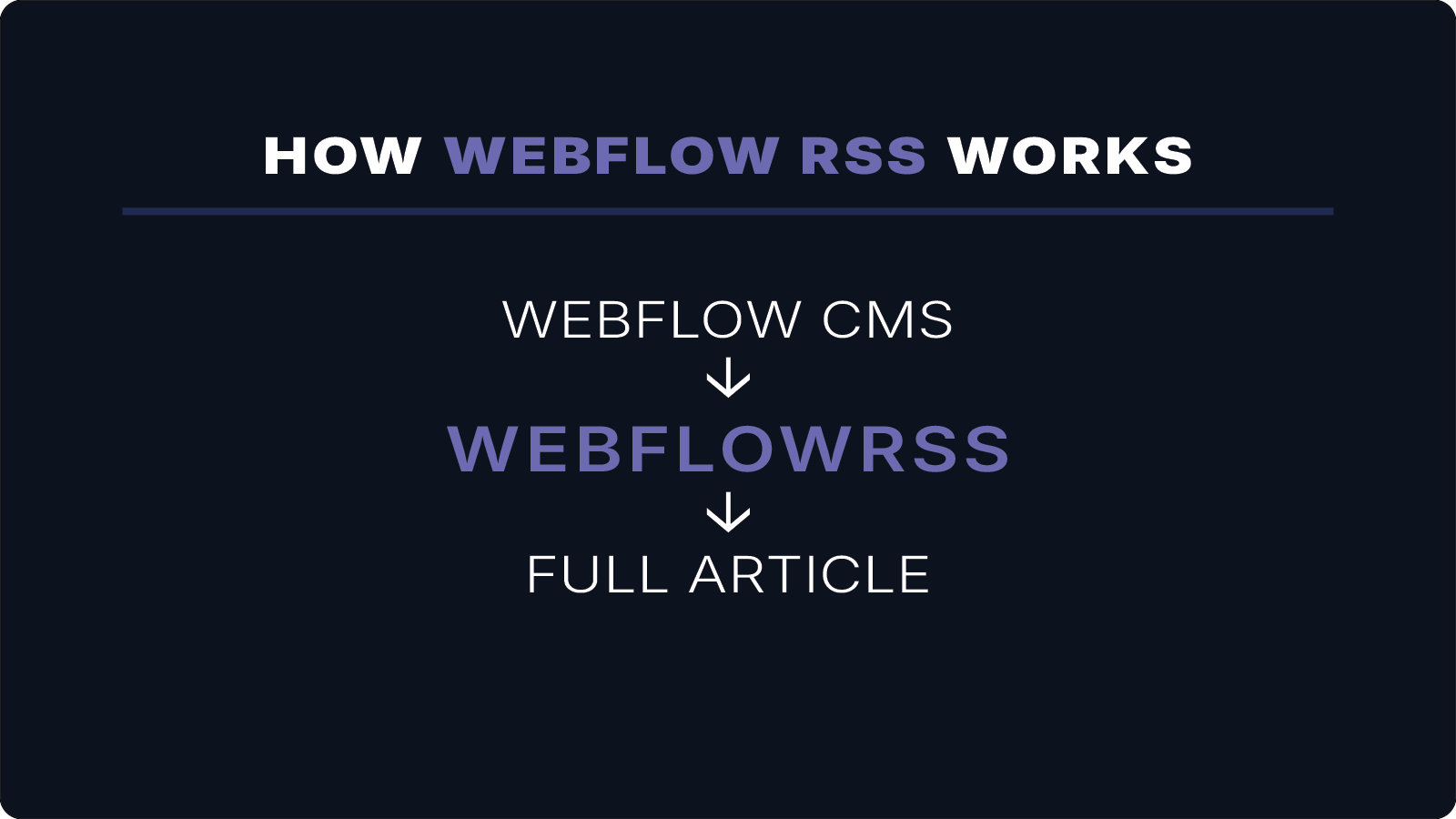
Automatically distribute your Webflow content everywhere.
Send full articles, images, and media directly to Mailchimp, apps, and RSS readers.
No Airtable. No automation tools. No workarounds.
Book a Call
Prefer not to book a call? Send your setup details instead.
Built after running into Webflow's RSS limitations
WebflowRSS was created after repeatedly running into Webflow's RSS limitations while building Webflow CMS websites. Instead of relying on Airtable, automation tools, or custom workarounds, we built a way to generate full-content RSS feeds for newsletters, podcasts, content syndication, and RSS readers.
WebflowRSS is an independent service and is not affiliated with or endorsed by Webflow.

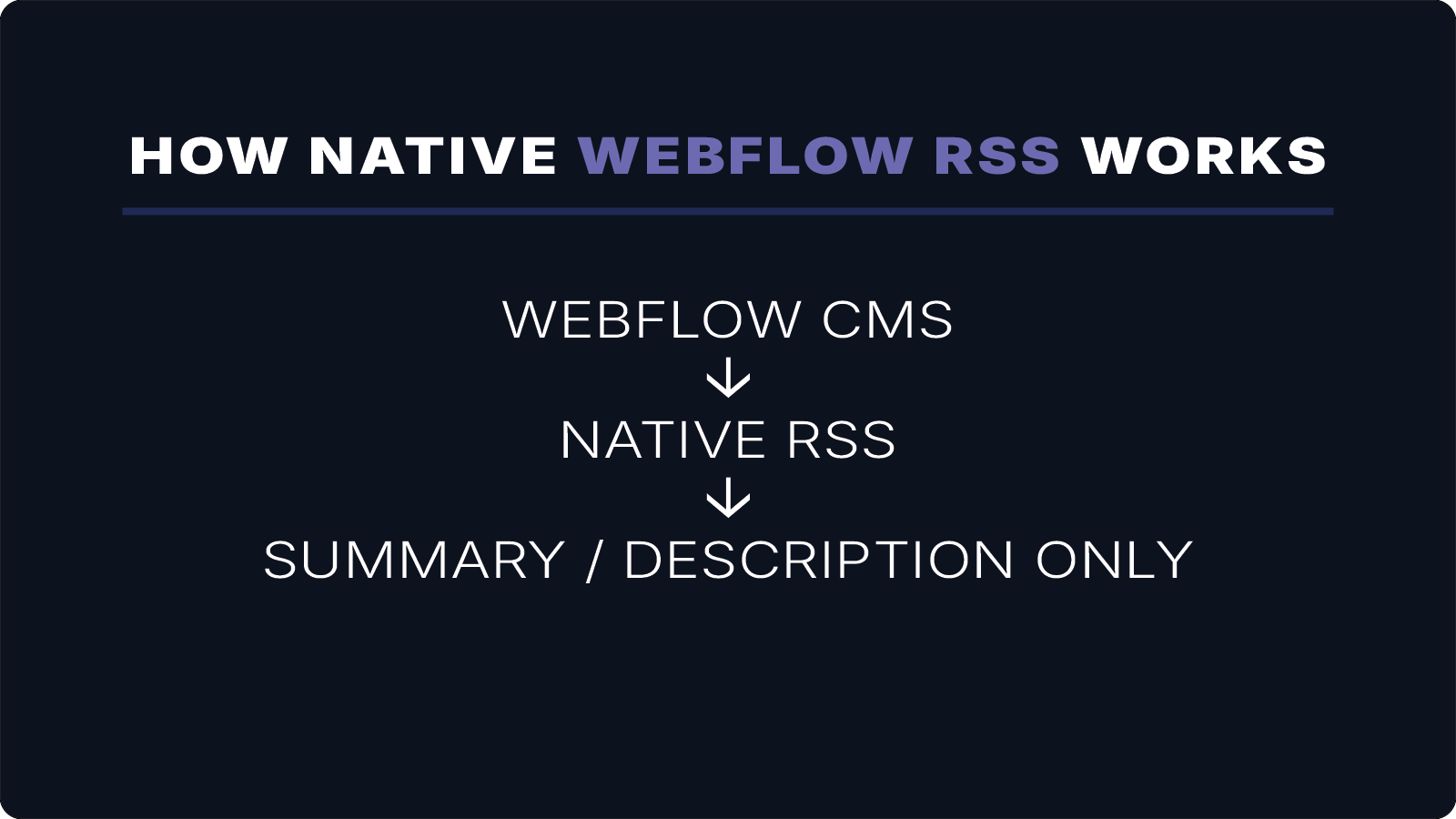
Native Webflow RSS feeds only publish summaries.
This means:
• RSS newsletters only show excerpts
• Email campaigns can’t include full articles
• External platforms receive incomplete content
• Workarounds require complicated automation stacks
Webflow’s built-in RSS feeds are designed for previews, not full articles.
Instead of sending the full post, the feed typically includes only a short summary.
Webflow’s native RSS breaks the moment you need real control
“Webflow RSS is pretty limited… most people end up using external tools or custom setups… once you try automations or syndication it starts breaking down fast.”
— Webflow developer (Reddit)
WebflowRSS generates full custom feeds with full control and custom output .
Send complete articles — including rich text, images, and media — to Mailchimp newsletters, RSS readers, and apps.
What Your WebflowRSS Feed Includes:
• full article body content
• feature images and embedded media
• audio files for podcasts
• separate feeds for each CMS collection
Connect your Webflow CMS collection
WebflowRSS generates a full-content RSS feed
Use that feed in Mailchimp, Feedly, or other tools
How WebflowRSS Fixes Native RSS Limitations
Replace your RSS automation stack with one tool.
Typical Webflow RSS Workaround
Webflow CMS
↓Flowmonk/Whalesync
↓Airtable
↓MiniExtensions
↓RSS Feed
↓Mailchimp / Apps
↓Flowmonk/Whalesync
↓Airtable
↓MiniExtensions
↓RSS Feed
↓Mailchimp / Apps
Problems:
• multiple services to maintain
• fragile automation chains
• duplicate content databases
• expensive monthly subscriptions
• multiple services to maintain
• fragile automation chains
• duplicate content databases
• expensive monthly subscriptions
WebflowRSS Solution
Webflow CMS
↓WebflowRSS
↓RSS Feed
↓Mailchimp / Apps
↓WebflowRSS
↓RSS Feed
↓Mailchimp / Apps
Benefits:
• full-content RSS feeds
• no external databases
• no automation tools
• stable, parser-friendly output
• full-content RSS feeds
• no external databases
• no automation tools
• stable, parser-friendly output
Full article content in RSS
Publish the entire rich-text content of your Webflow CMS items instead of just summaries.
Connect your Webflow API, map your CMS fields, and publish your feed anywhere RSS is supported.
Mailchimp-compatible feeds
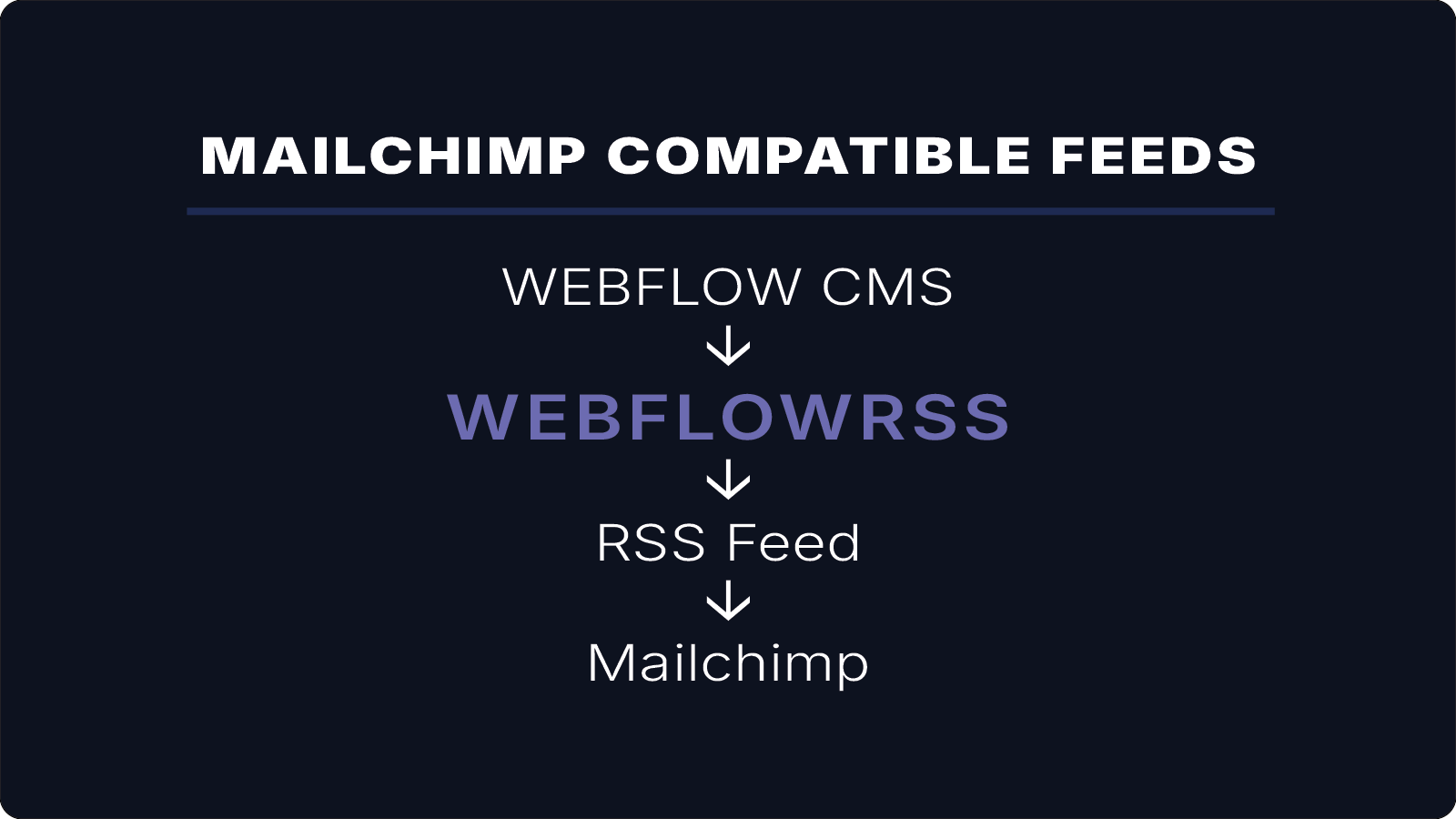
Generate RSS feeds that work reliably with Mailchimp RSS campaigns and include full article content.
Turn Webflow CMS Into a Podcast
Automatically turn your Webflow CMS content into a podcast feed with audio, metadata, and full episodes.
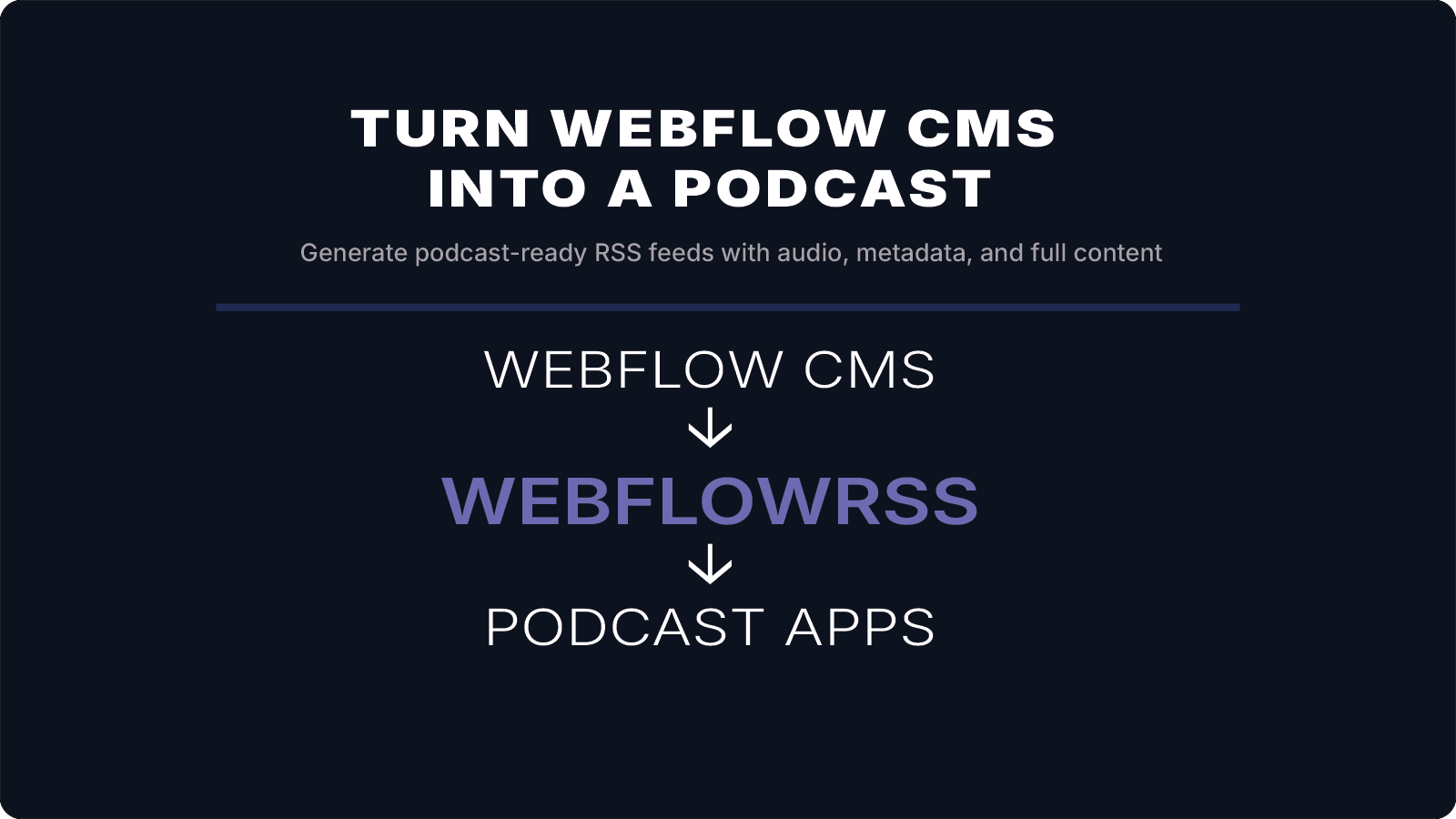
Automatically turn your Webflow CMS content into a podcast feed with audio, metadata, and full episodes.
Multiple RSS feeds from your Webflow CMS
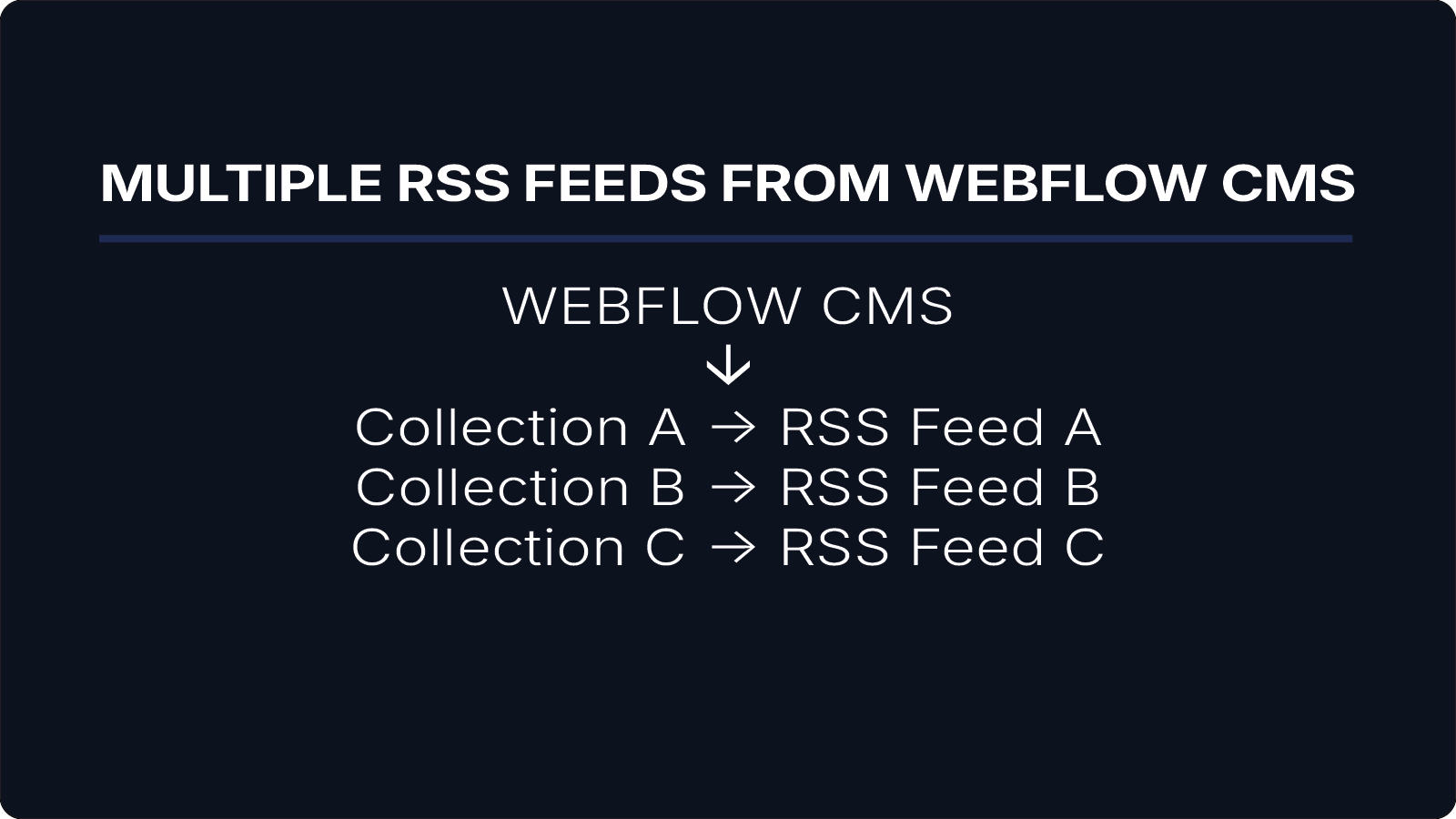
Create separate RSS feeds for each Webflow collection so different types of content can be distributed independently across newsletters, apps, and RSS readers.
No external databases, automation tools, or sync services.
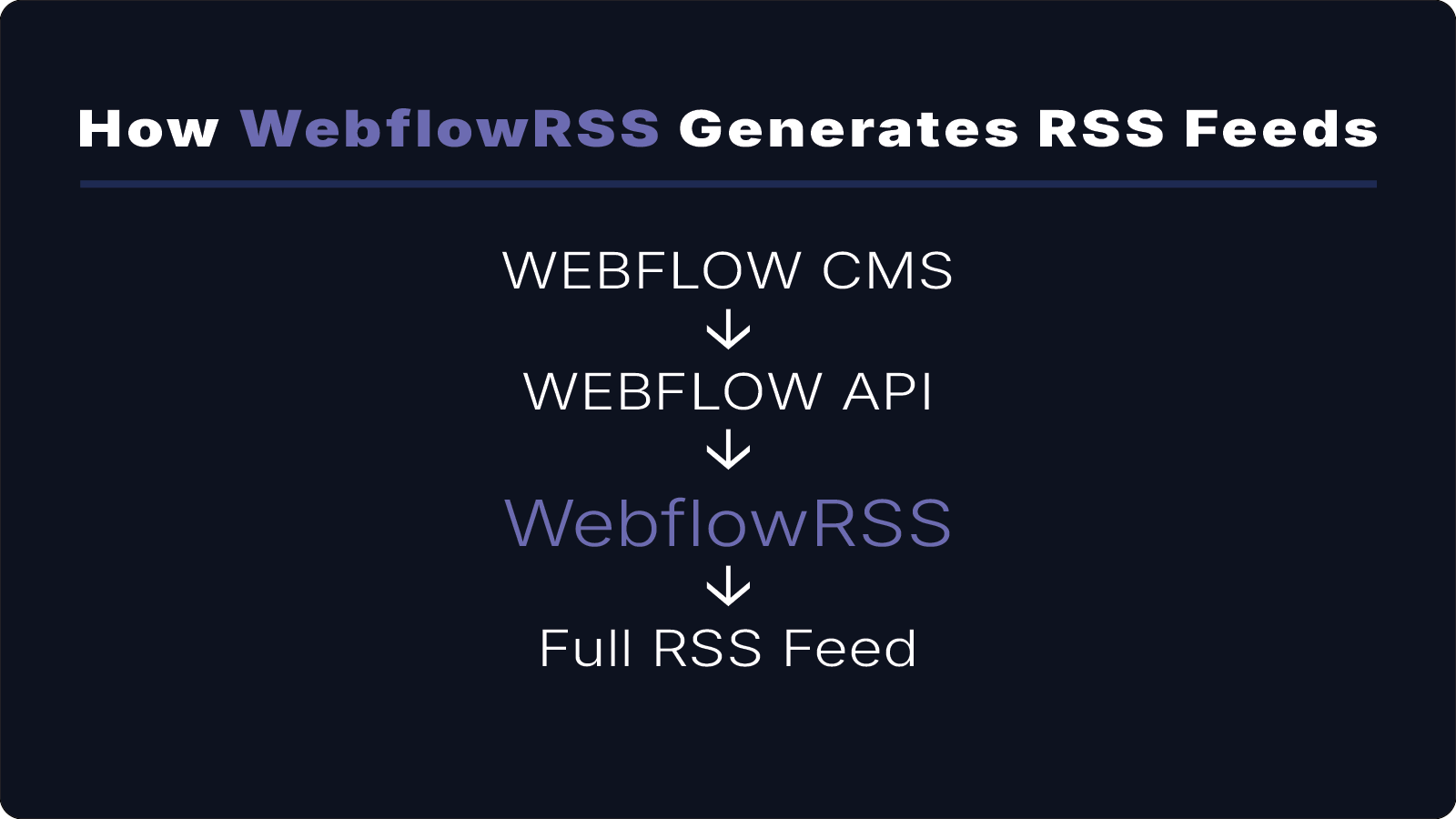
Feeds are generated directly from Webflow CMS using the Webflow API — no Airtable, Zapier, or data-sync tools required. Your Webflow CMS becomes the single source of truth for your RSS feeds.
Example full-content RSS feed
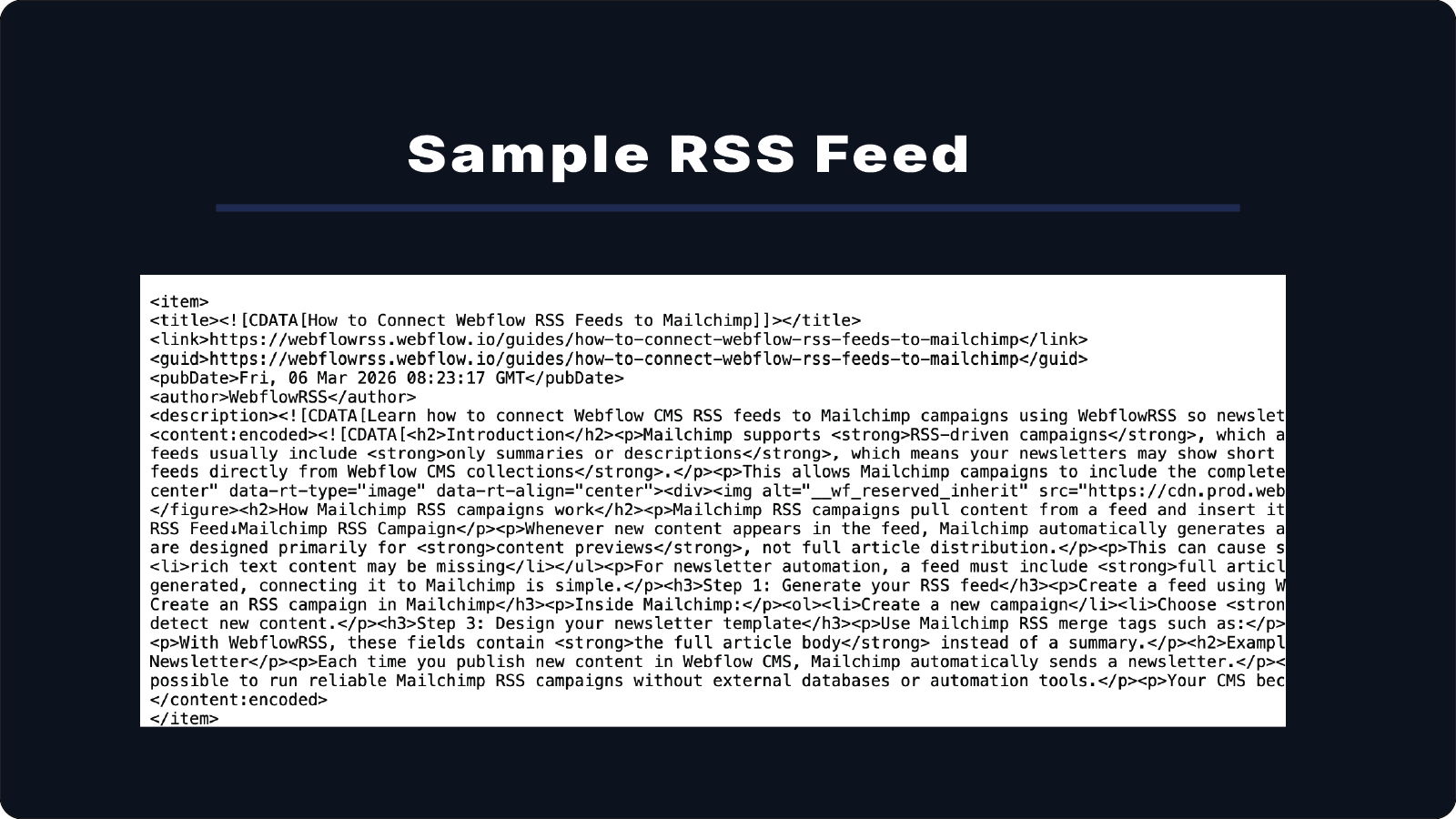
Below is a real RSS feed generated from a Webflow CMS collection using WebflowRSS. The feed includes the full article body, images, and media.
Pricing
Choose the setup option that fits your Webflow RSS needs.
Straightforward pricing. No HR software bloat. No subscriptions.
We set up full-content RSS feeds for your Webflow CMS.
PricingWe set up full-content RSS feeds for your Webflow CMS.
Your content works seamlessly in email (Mailchimp), apps (Subsplash), and content syndication workflows.
Single Feed Setup
$750 one-time
Get one reliable RSS feed set up and working correctly.
No more broken feeds, missing content, or fragile Zapier workarounds.
Includes:
- One full-content RSS feed from one Webflow CMS collection
- Full rich text body, not just title and summary
- Automatic updates when new items are published in the connected collection
- Feed validation
We’ll contact you within 24 hours to begin setup.
Most popularProfessional Setup
$1,500 one-time
We map your CMS fields, configure full-content feeds, handle media and reference relationships, and ensure everything works correctly from day one.
Best if you want everything set up correctly without trial and error.
Includes:
- Everything in Single Feed Setup
- Custom CMS field mapping
- Author and category support
- Image and media handling
- Feed validation and testing
- Deployment and configuration
- 7 days of post-launch support
Ideal for content teams that need a reliable RSS feed built around their Webflow CMS.
Let's plan your implementation.
Enterprise RSS Implementation
$2,500 +
Full-content RSS feeds with audio support and custom workflows.
Best for teams that need reliable, custom RSS feeds from Webflow CMS.
Includes:
- Everything in Professional Setup
- Multi-collection RSS architecture
- Advanced reference handling
- Custom namespaces and feed formats
- Custom namespaces and feed formats
- Platform-specific integrations
- 30 days of implementation support after launch
One-time setup. Fully configured for your organization. No more rebuilding RSS logic for every site or client.
Includes 12 months of managed hosting.
Future enhancements and support available upon request.
Let’s plan your team’s launch.
Not sure what you need?
Send me your site — I’ll tell you exactly what you need (free, no commitment).
Book a CallWebflowRSS will soon be available as a self-service platform so teams can generate feeds directly from a dashboard.
WebflowRSS is an independent product and is not affiliated with or endorsed by Webflow, Inc. Created by a Webflow developer after repeatedly encountering RSS limitations on client projects. WebflowRSS helps publishers, podcasters, agencies, and marketers get more value from their Webflow CMS content.
Most RSS feed setups are completed within 24–72 hours.
Stop debugging RSS feeds. Start publishing content.
Contact: hello@webflowrss.com© 2026 WEBFLOWRSS LLC. All rights reserved.
Not affiliated with or endorsed by Webflow, Inc.